A tour of the editor
Five minutes of context for what Micropage actually does, with screenshots from a real project.
Markup on the left. Live preview on the right.
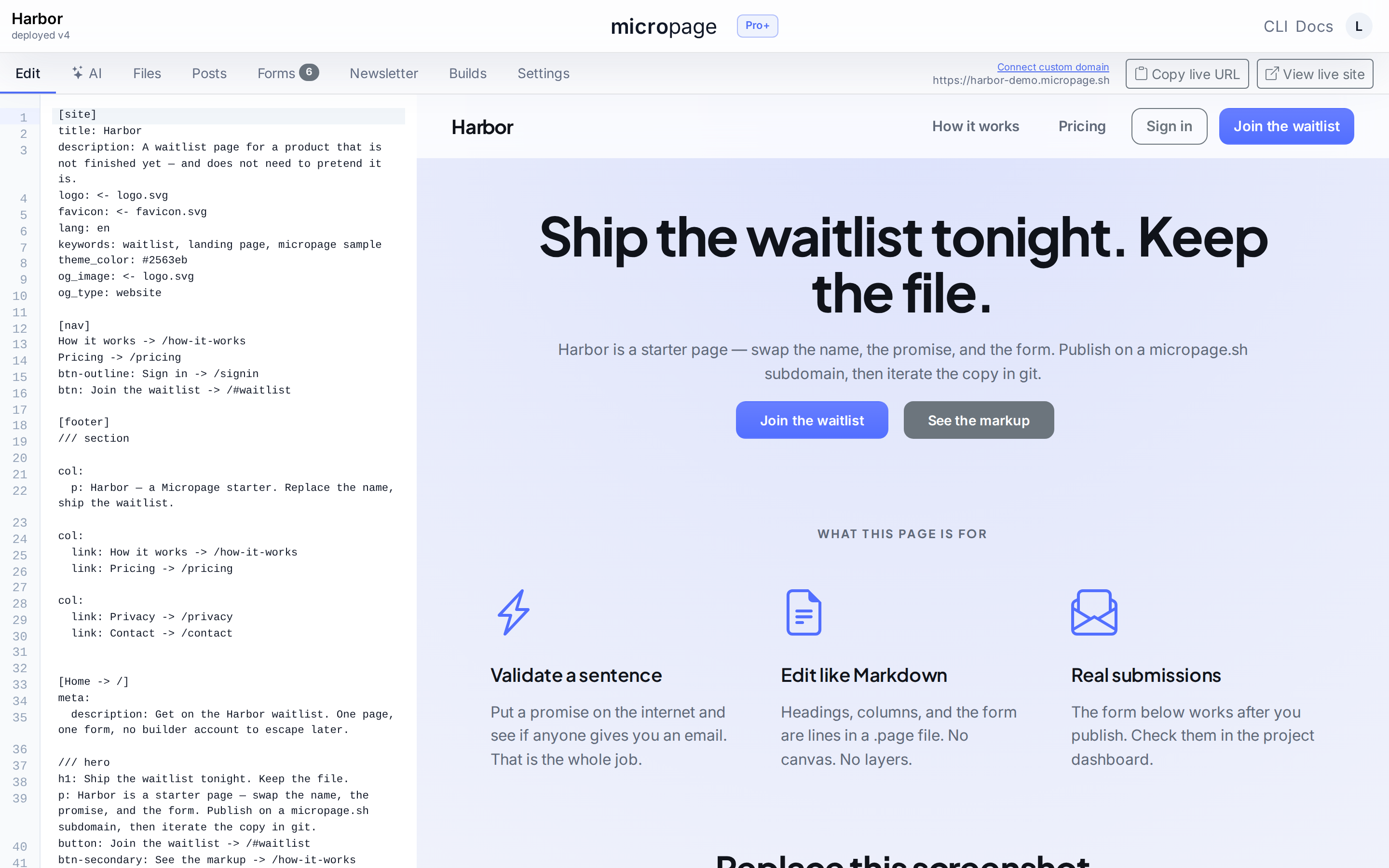
Edit a .page file like code
The source pane is plain text. Headings, paragraphs, columns, sections — one element per line, no nesting bugs. Save and the right pane re-renders.
Switch to the AI tab and prompt instead. Both paths produce the same markup. You can keep editing it in the browser, in vim, or via an agent.
Forms with CSV export. Webhooks on Pro+.
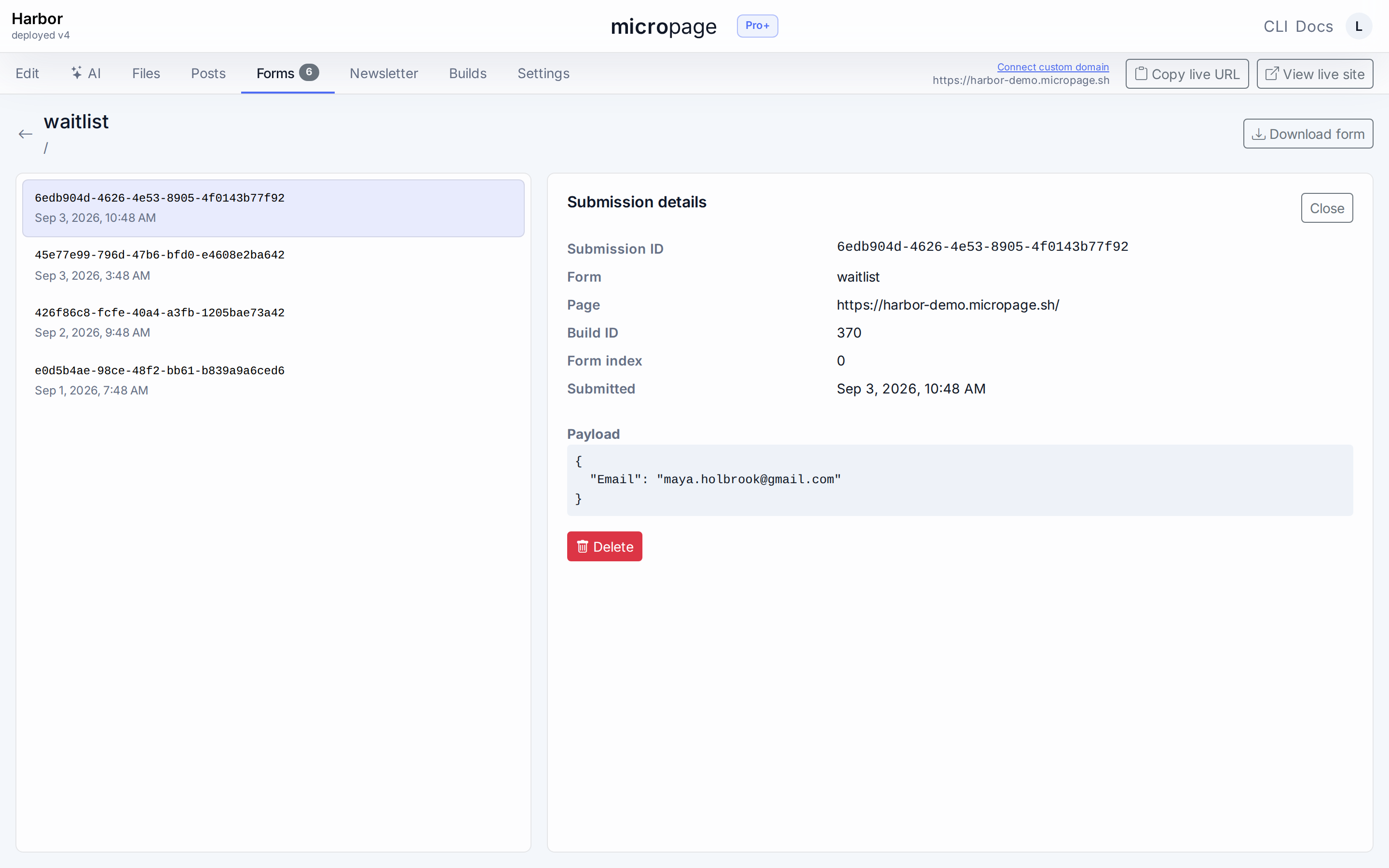
No backend to write
Drop a form block into the markup, publish, and submissions start landing. Storage is included. CSV export and a daily email digest ship on Pro.
Pro+ posts every submission to a webhook you choose. The payload includes project id, form name, page URL, and the full field map.
Newsletter — subscribers and broadcasts
Capture leads, send updates
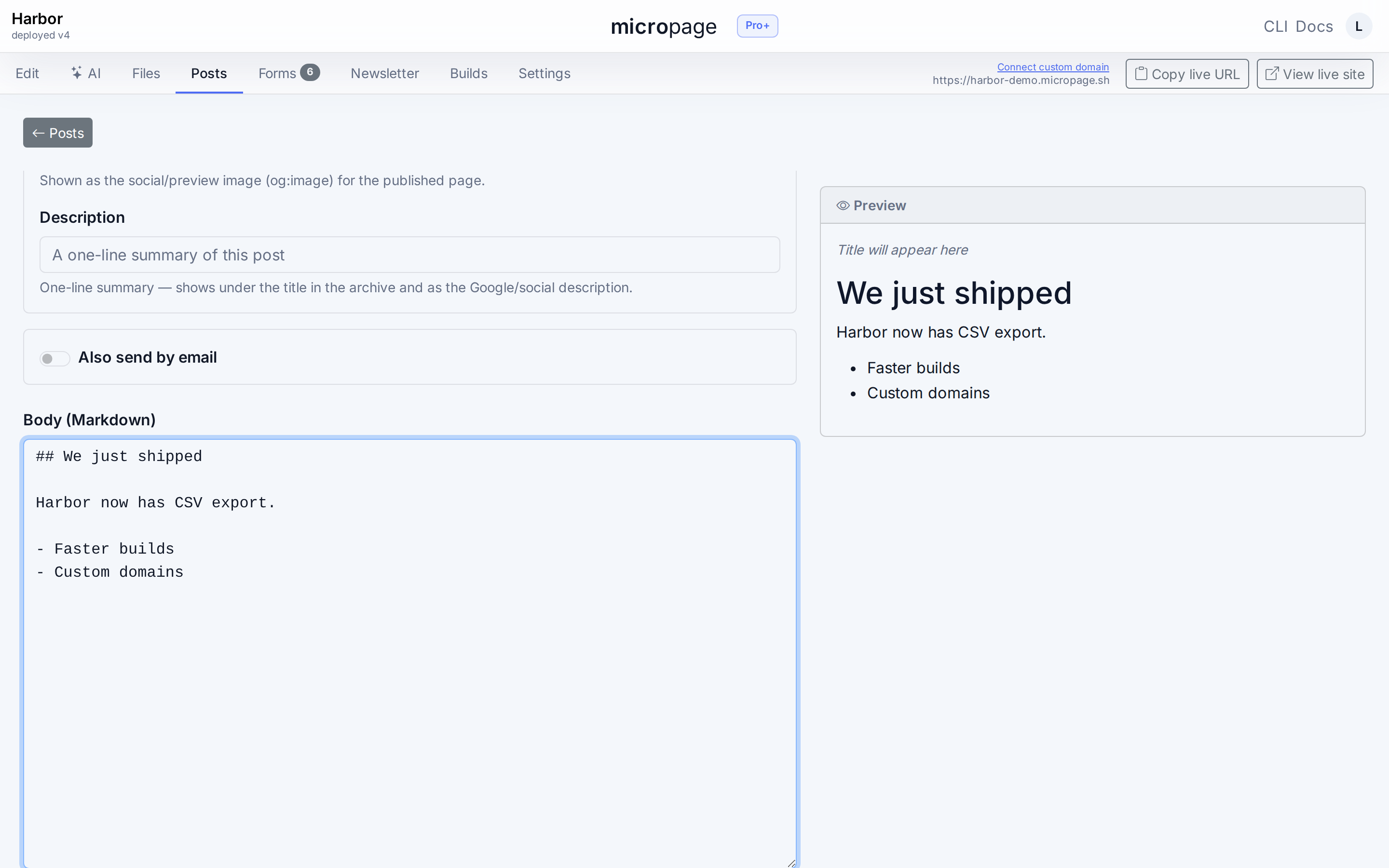
Toggle Newsletter on any form and submissions become subscribers instead of one-off rows. Welcome emails fire on signup. From-name and reply-to live in sender settings.
Broadcasts are markdown, with preview, send-to-myself, and a delivery report. No third-party email tool.
Builds, rollback, and a zip you can take with you
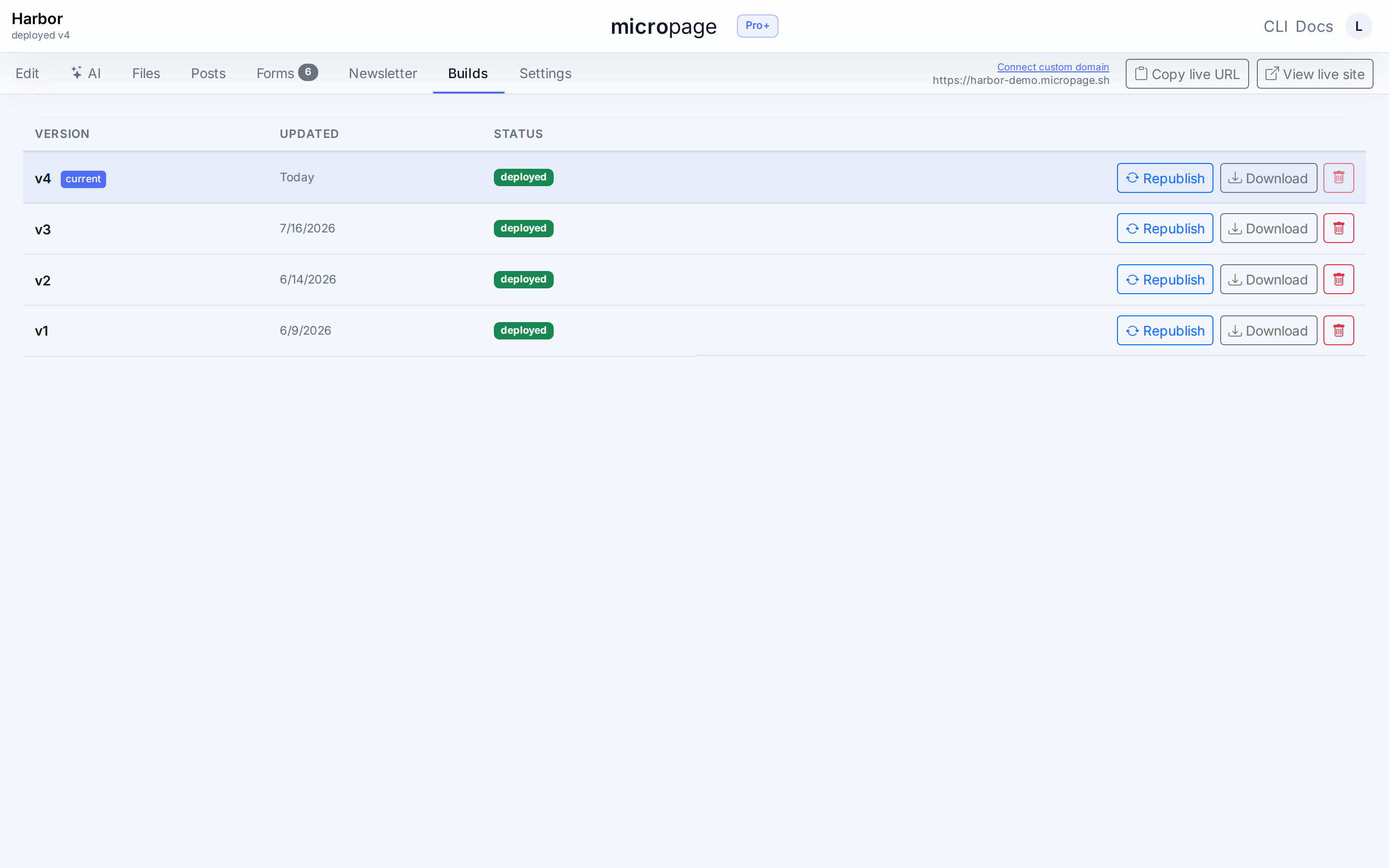
Every deploy is reversible
Each publish creates a numbered build. Rollback is one click. The current build's status is on every screen.
Pro downloads any build as a static .zip — host it on Cloudflare Pages, Netlify, S3, or your own server. Pro+ adds deploy tokens so CI can publish the repo.
Ready to try it?
Free publishes a real site and includes an AI credit that refills every month. Pro from $6/mo.
Start freeView docs